

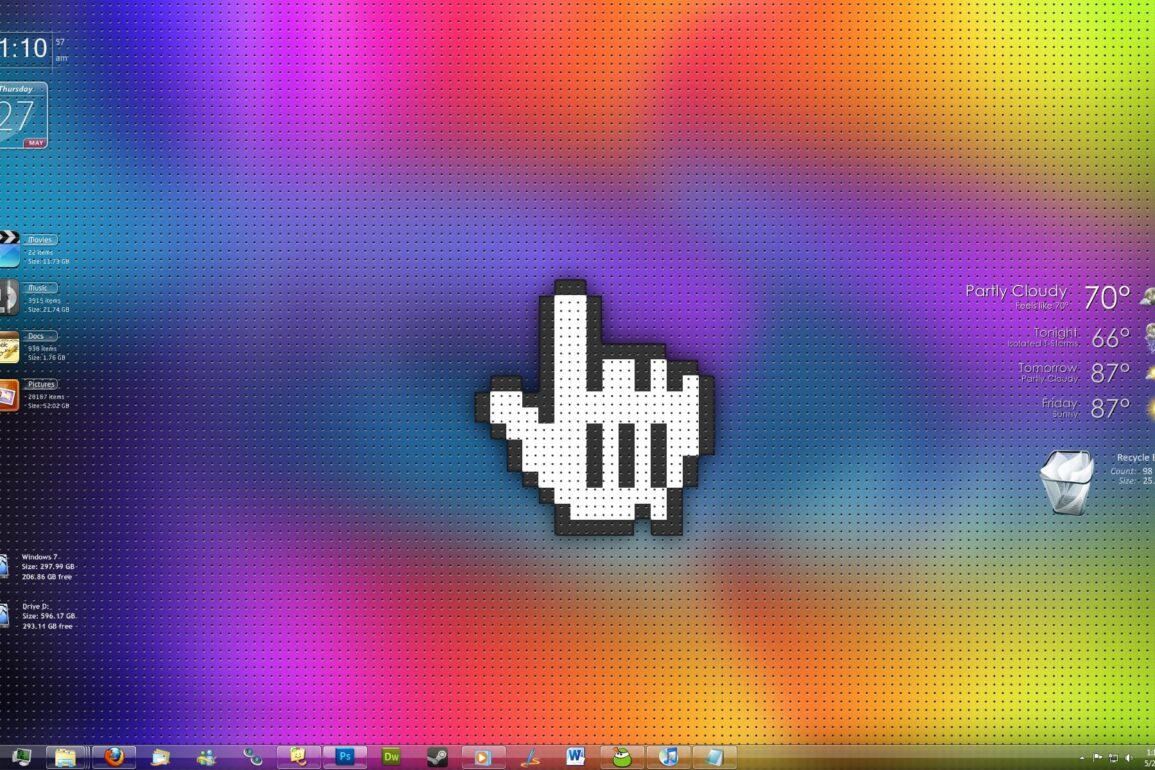
(click thumbnail for larger image)
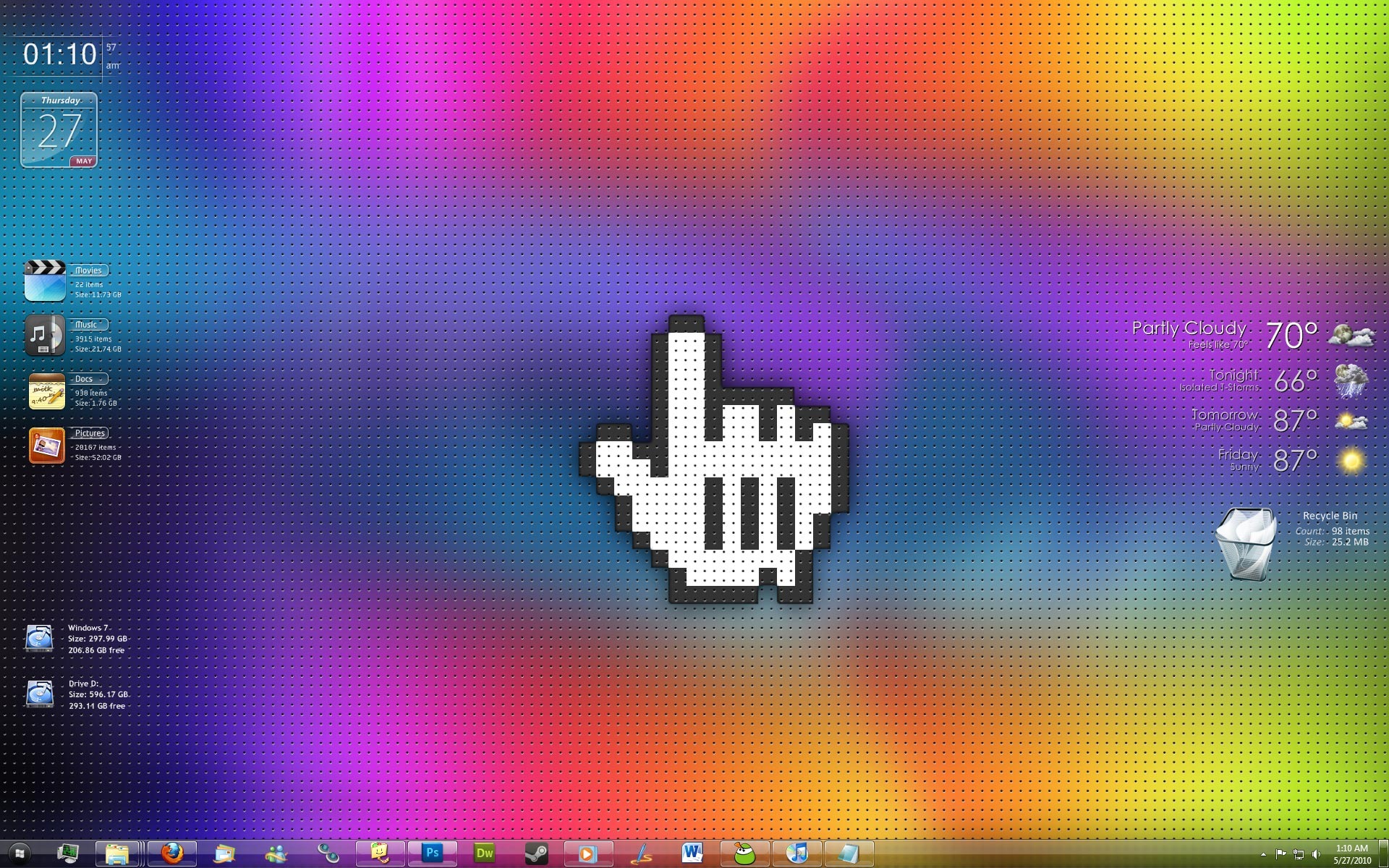
So this is my desktop now. Ha.
Info:
Windows 7 – Ultimate x64
Wallpaper – Made by me, you can download it here.
Windows 7 Shell Theme – Longhorn Evolution X.
* But the start menu icon is provided in this theme pack. Which you can easily change using this tool: Windows Theme Installer. (I guess it installs themes too? I dunno about that, i jus use it to easily replace the explorer.exe, which used to take forever).
Desktop Gadgets – Okay, so this is where it gets complicated. I’ve got rid of everything.
Last time I posted my desktop I was using a program called Rainlendar. I completely got rid of that program, and now use one called Rainmeter. Rainmeter had a cool weather skin that I wanted to use, which i no longer do, but anyways it has much better and cooler themes.
So here are the Rainmeter skins and gadgets now some of these I heavily modified, so they may not look the same, but mostly will:
Weather Gadget: Large Clean Weather
Time, Date, Folders: Speed theme – I changed several icons, and paths.
Hard Drives: 2nd theme – I changed the icon.
Recycle Bin: GlassBin.
woot :) hmm.. yea
