

I’ve been debating whether or not to ditch my last.fm account or keep it. It’s cool to track all the music you listen to, and share it with others, But I found myself not listening to some music so others wouldn’t see it, or over playing to a certain song or artist just so that it would show higher in my ratings. Which makes the information on there pretty much useless and false due to me forcing spamming it. Also I ended up being weird and obsessed with scrobbing the music I listened. So I didn’t want to listen to any song if it couldn’t be logged on my account, which was kinda weird.
I also love the native iPod app on my iPhone, which doesn’t scrobble to last.fm. There are third party apps that you can download that do it, but they aren’t as cool, and have huge ugly ads.
I found the software I use to play my media on the computer to be limited. I LOVE the Zune software. I think it’s the best and most visually appealing media player for the computer. But there is not a plugin for it that lets you scrob to last.fm. There are tweaks and hacks that you can get that’ll do it, but its not seamless, and very buggy.
Yesterday morning I decided to just hit the delete button on my last.fm, and erase it all. Over 13k plays erased! But I’m happy. I feel free and liberated, ha.
I suppose I looked at last.fm the wrong way. Maybe it’s just a tool to find better music, I don’t know, but I got tired of my obsession.
Now I’m using the Zune Software full time and LOVE it! I find new things the more and more I use it. No I don’t own a Zune player or an Windows Phone 7 which most people have to use Zune player for (I am happy iPhone user, but i’m force to use the dreadful and horrible iTunes crapware to sync to it  ).
).
Even without the a Zune device, the software is still a stand alone media player, and it is so beautiful and visually stunning. It also plays back all my media without a hiccup.
I’m not writing a review, just giving everyone a heads up to this awesome piece of work.
click thumbnails for the full images.
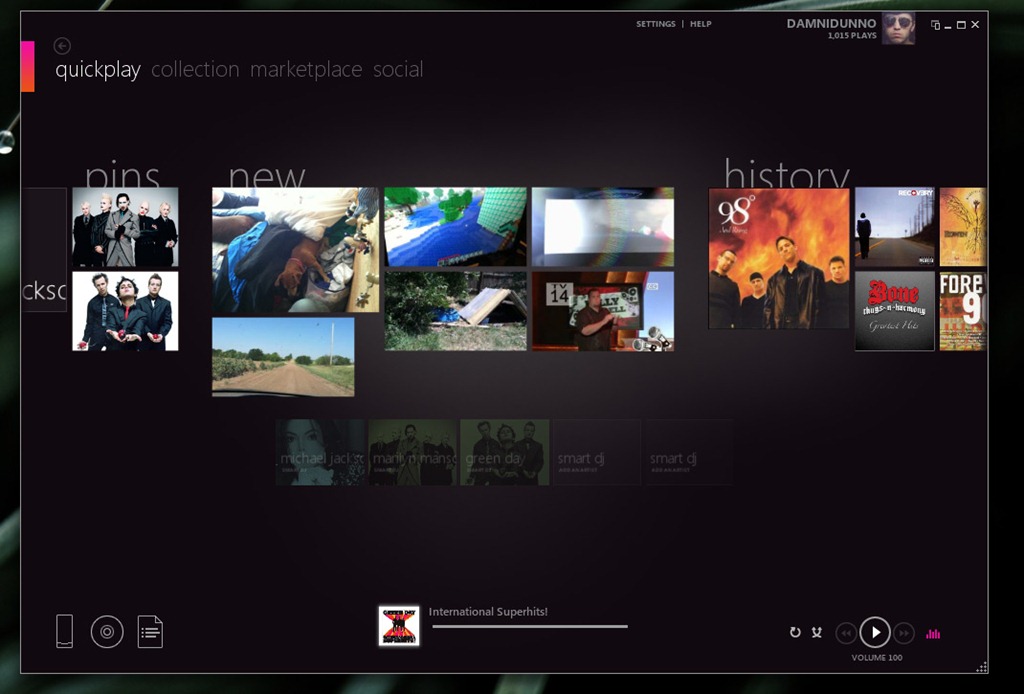
When you load the Zune software for the very first time, it lets you choose 3 of your favorite artists. For mine i selected Michael Jackson, Marilyn Manson, and Green Day. I think this just pins them to the quick play screen as you see in the above screenshot. This helps by providing you with the latest news and music on them. I haven’t really messed with the Zune online music. I just play my local media (mp3 and such), so I’m not sure how good all that is.
As you see in the above screenshot, it shows you the latest media on your pc, this includes pictures, movies, and music. As you can see it shows also my recent history. Yes for some reason i was just listening to a 98 degrees song.
What you can also see is that the software tracks your plays to the online Zune service. Which i think others can see on your profile. This is kinda like last.fm, but I’m not really using this feature. It’s there, but I’m not thinking about it, and wont ever even mess with it.
If you don’t want to see the Quick play screen, you can tell the Zune software to open up to your collections on start up.
It also calls your 3 artist as “pins”. I’m not sure if you can manually add more “pins” if you choose.
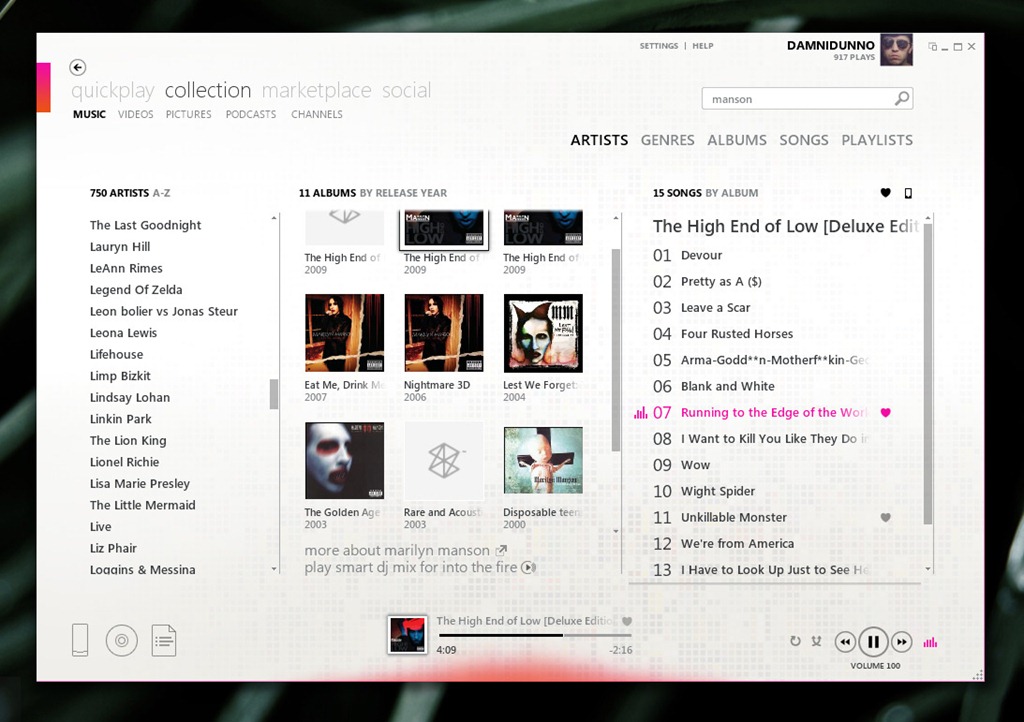
in this screenshot you can see that I searched for Manson, and am listening to him.
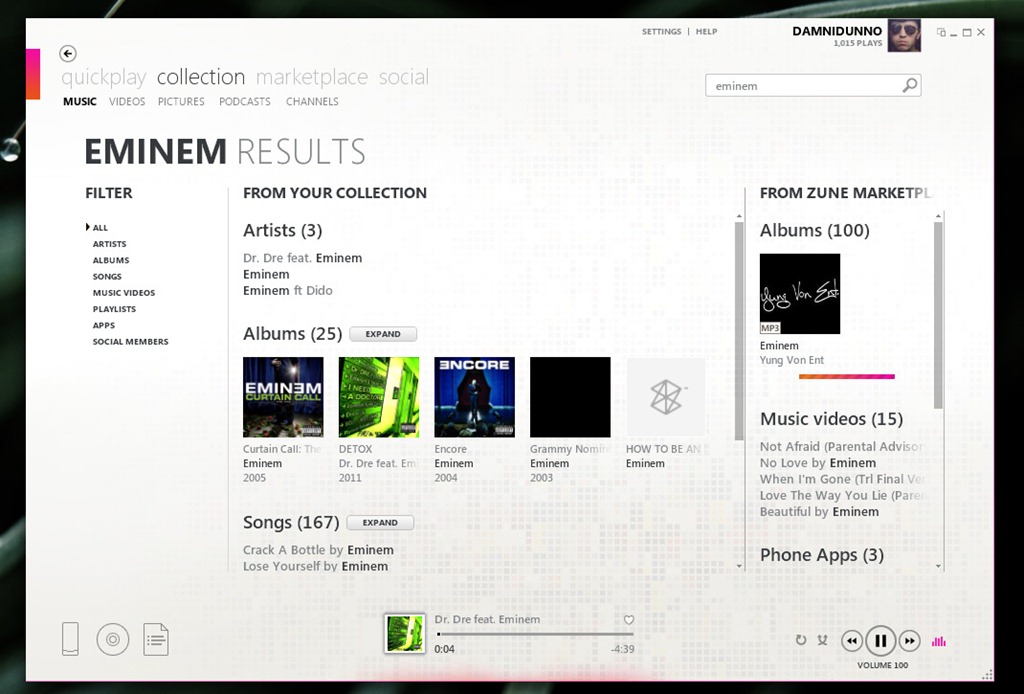
A cool thing about this software is that it also searched the Zune Market place, and lets you Demo songs. I personally don’t like this feature most of the time because i simply want to listen to my local music, and when i search for a song it shows both the music in my collection in one column, and then from the market place in the second. You can drag the window on the Market place results to make it smaller. So far I haven’t found a way to disable the market place.
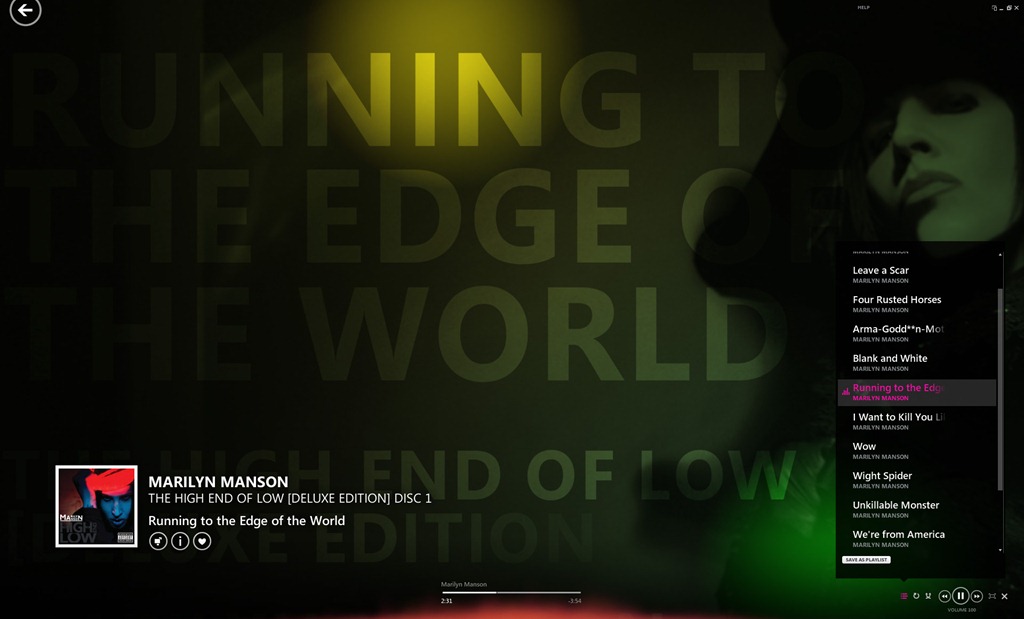
If you want to play music while you throw a party, or do something off your pc, you make the player full screen, and it shows info related to that artist on the screen. It displays random HD pictures of the artists, text related to the artists, including facts, and track names, and some bio info. The colors are beautiful as well, and change often. As you can see in the above picture, there is a light spot at the top, which was slowly moving lighting up different areas of the screen. The text and pictures slowly scroll/float, and its really beautiful how its done.
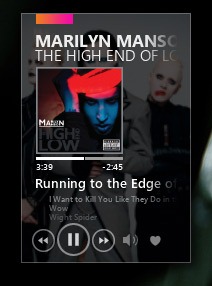
If you want to do other stuff on your pc while you listen to music, you can switch the player to mini mode, which stays on top of all your apps, so you can easily change song without leaving the the stuff that you’re currently doing on the computer. It’s small and takes up barely any room. It looks like one of those shiny cool widgets some people get and place on their desktop.
This program is just really cool! I haven’t used it much to play movies, and other video files, so I’m not sure if it has cool special effects for those as well, and im still exploring the program. Like i said, i find new stuff with it every time that i use it.
I just wanted to give a shout out to other music lovers. and let them know about this amazing program if they haven’t used it already.
You can download the program for free from Microsoft’s Zune site.
http://www.zune.net/en-us/products/software/download/default.htm
